
SRD SASSA STATUS CHECK
To do a SASSA Status Check, click the “Check Status” button below. After landing on the SRD status check form, just enter your South African ID number and the cellphone number you used when applying for the SRD R350/R370 grant. Once you submit, the system instantly shows your application result and payment details.
With a quick status check, you’ll know if your grant is approved, pending, or declined. If it is approved, you’ll also see your exact payment date. If it is pending, it means SASSA is still verifying your details, and if it is declined, you will get the reason so you can fix it or lodge an appeal.
This simple check matters for all SRD R370 grant applicants because SRD grant is reviewed each month. This means, for millions of South Africans, the SRD SASSA grant is the only monthly income.
SASSA Status Check for R370 Payment Dates
SRD R370 grants don’t have a fixed payday like the other SASSA social grants. Instead, once your application is approved, you’ll only see your specific payment date when you do a SASSA Status Check. That is why checking regularly is important.
While older persons, disability, and children’s grants have set dates at the start of each month, the SRD grant is usually paid towards the last week. The exact day can shift depending on SASSA’s processing schedule and your bank.
SASSA Payment Dates & Amount for January 2026
For Jan 2026, SASSA has confirmed the following payment dates and grant amounts:
| No. | Grant Name | Amount for January 2026 | Payday |
|---|---|---|---|
| 1 | Older Persons & War Veterans | R2320 (below 75 years of age) R2340 (above 75 years of age) | Tue, Feb 3, 2026 |
| 2 | Disability & Care Dependency | R2320 | Wed, Feb 4, 2026 |
| 3 | Child Support Grant | R560 per child | Thu, Feb 5, 2026 |
| 4 | Foster Child Grant | R1250 per child | Thu, Feb 5, 2026 |
| 5 | Grant-In-Aid | R560 | Thu, Feb 5, 2026 |
| 8 | SRD Grant | R370 | Feb 23–28, 2026* |
*SRD R370 does not have a fixed day. Payments are released in batches during the last week of the month.
SASSA Social Grants Payment Calendar 2025-2026
Below is the official SASSA grant calendar, covering April 2025 to March 2026 payment dates. SASSA release this grant every year for the Old Age, Disability, and Children’s Grants.
SASSA Payment Calendar 2025–2026
Dates shown in format: Day, DD-MM-YY
| Month | 👴 Older Persons | ♿ Disability | 👶 Children |
|---|---|---|---|
| April 2025 | Wed, 02-04-25 | Thu, 03-04-25 | Fri, 04-04-25 |
| May 2025 | Tue, 06-05-25 | Wed, 07-05-25 | Thu, 08-05-25 |
| June 2025 | Tue, 03-06-25 | Wed, 04-06-25 | Thu, 05-06-25 |
| July 2025 | Wed, 02-07-25 | Thu, 03-07-25 | Fri, 04-07-25 |
| August 2025 | Tue, 05-08-25 | Wed, 06-08-25 | Thu, 07-08-25 |
| September 2025 | Tue, 02-09-25 | Wed, 03-09-25 | Thu, 04-09-25 |
| October 2025 | Thu, 02-10-25 | Fri, 03-10-25 | Sat, 04-10-25 |
| November 2025 | Tue, 04-11-25 | Wed, 05-11-25 | Thu, 06-11-25 |
| December 2025 | Tue, 02-12-25 | Wed, 03-12-25 | Thu, 04-12-25 |
| January 2026 | Tue, 06-01-26 | Wed, 07-01-26 | Thu, 08-01-26 |
| February 2026 | Tue, 03-02-26 | Wed, 04-02-26 | Thu, 05-02-26 |
| March 2026 | Tue, 03-03-26 | Wed, 04-03-26 | Thu, 05-03-26 |
Other SASSA grants are paid at the same date with parent grant. Like Foster Child and Grant-in-Aid is paid with Children grant, War Veterans is paid with Old Age grant, Care Dependency is paid with Disability grant.
Payment Not Received?
SASSA payment status check sometimes approved but still payment does not show in your bank. Here are some common reasons:
What to do if your money is late
- First, check your SASSA status online. Look for “approved” with a payment date.
- If it is approved but still unpaid after 3–5 working days, confirm your banking details are correct.
- Call the SASSA toll-free helpline (0800 60 10 11) or visit your nearest office if delays persist.
Remember that SRD R370 is almost always released in batches. Don’t get worried if your friend got paid today and you did not.
All SASSA Status Check Methods Explained
There are multiple ways to check your SRD R370 status. Choose the method that works best for you which can be online, mobile, or in person.
1. Online Status Check via SRD Website
The official SASSA SRD website is the most reliable place to check your grant status.
For South African Citizens

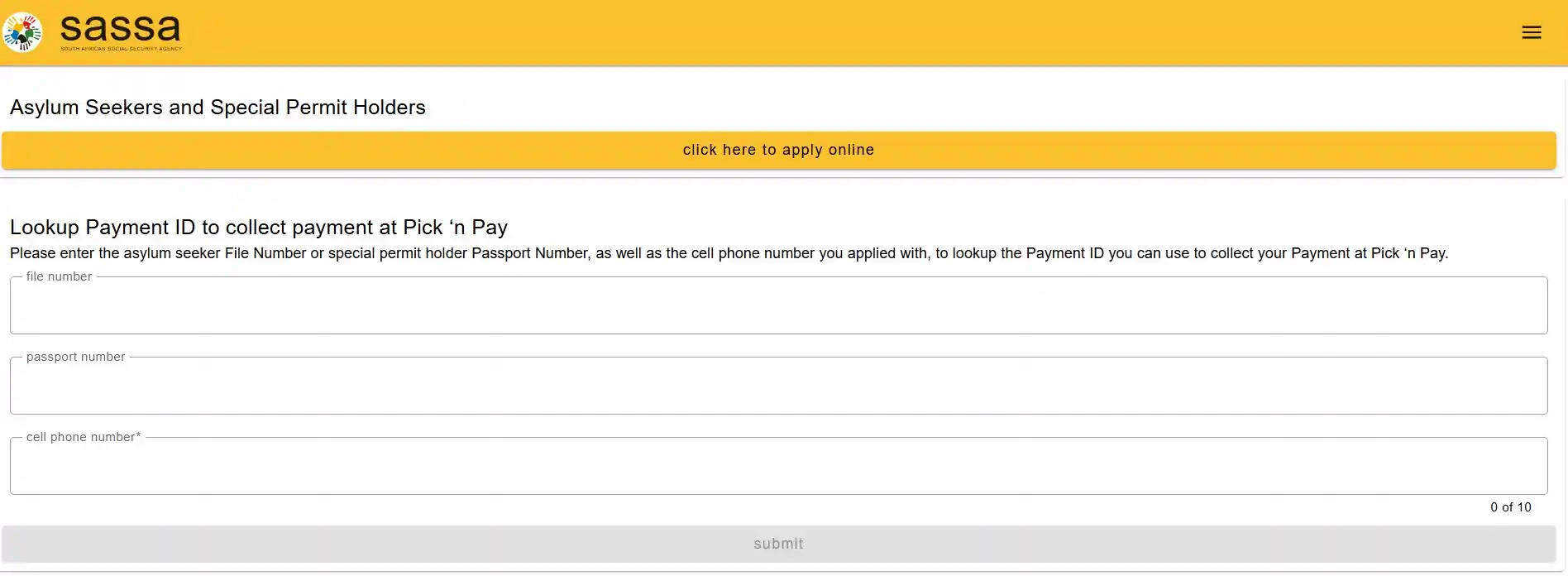
For Asylum Seekers & Special Permit Holders
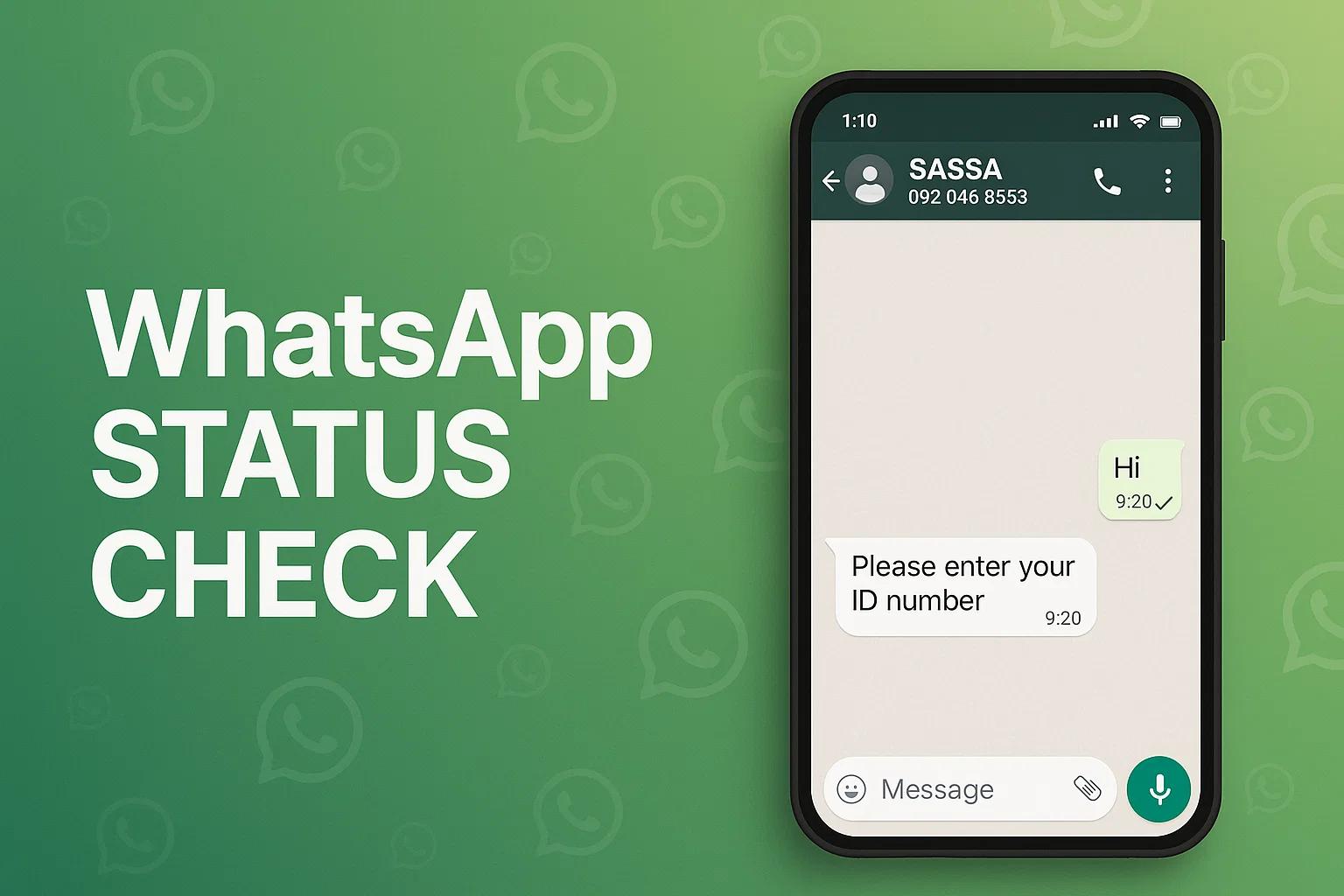
2. WhatsApp Status Check
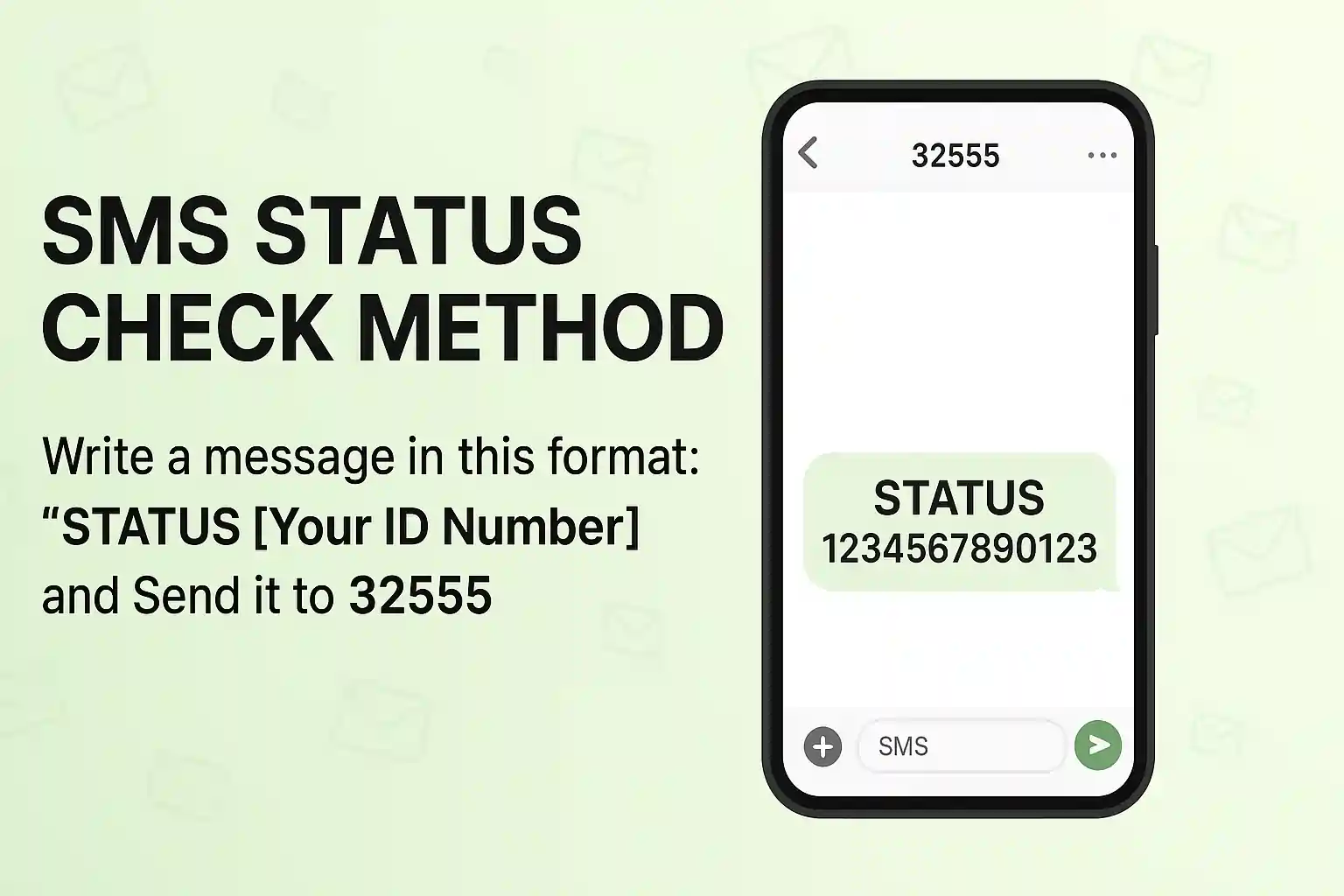
3. SMS Status Check Method
You can check you R370 grant status via SMS. Open your smart phone dial pad and follow the steps:
Keep in mind that standard SMS rates apply.
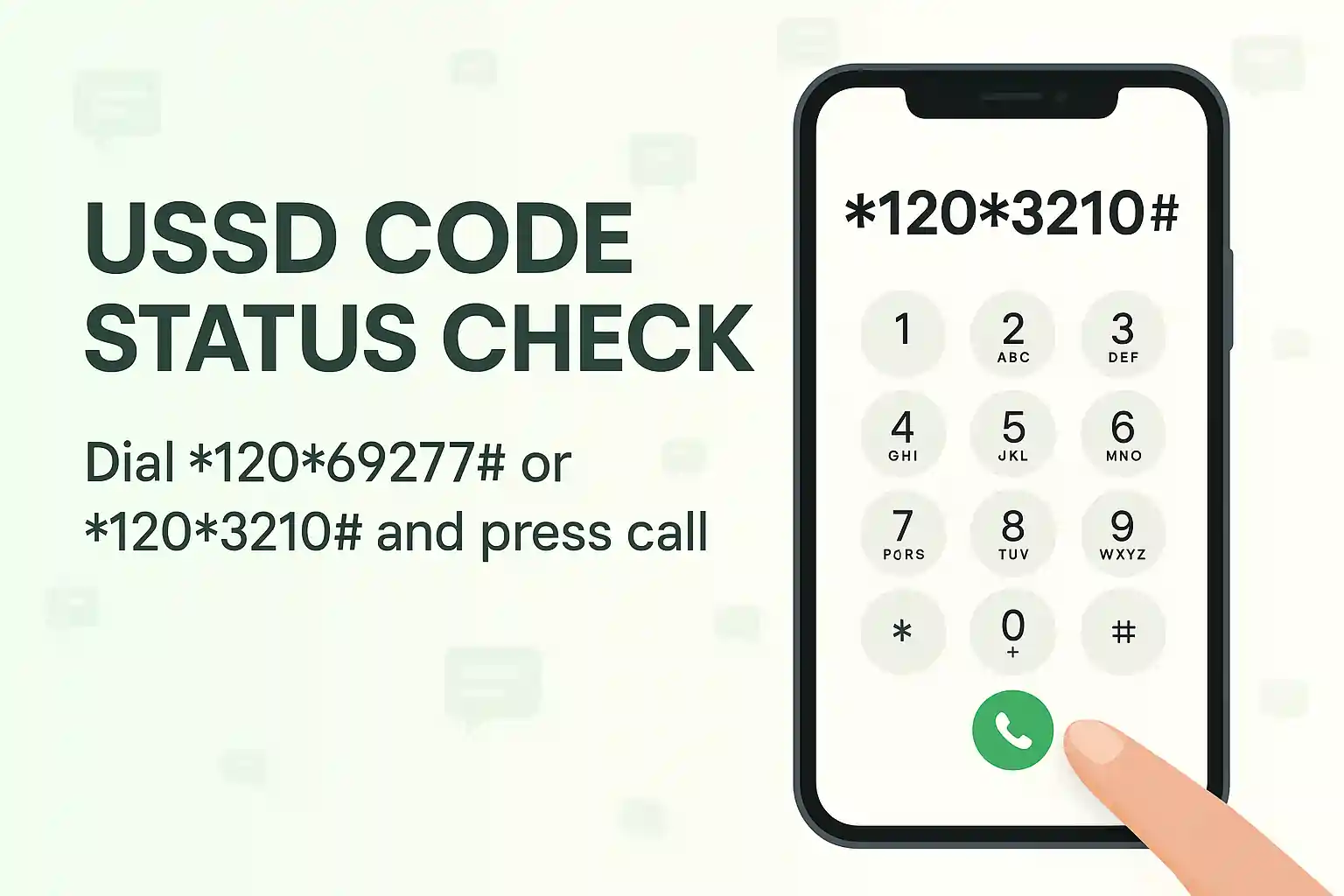
4. USSD Code Status Check
This method works on any cellphone and no internet is needed. Quick option for people without smartphones
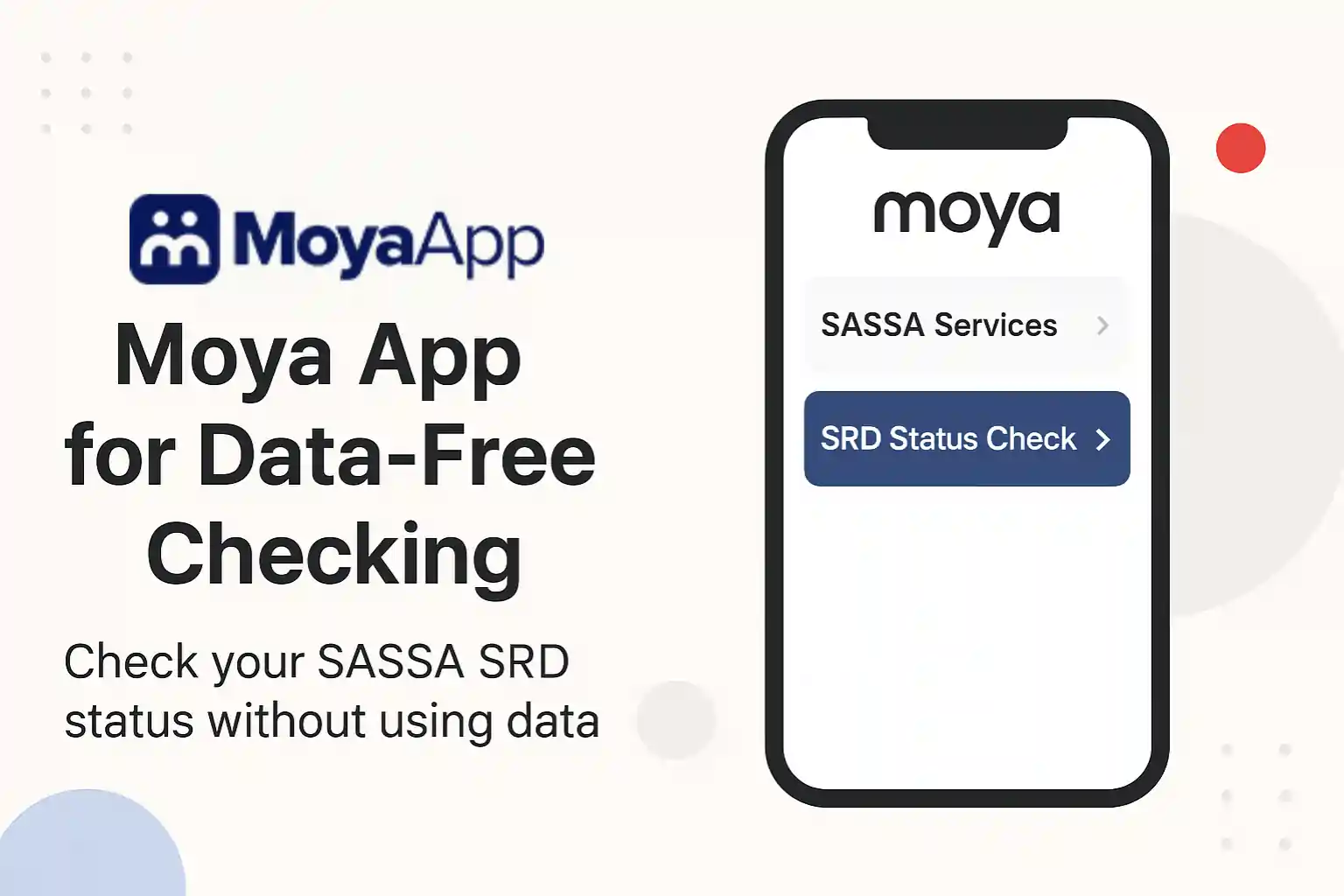
5. Moya App for Data-Free Checking
Moya App allows you to check your SASSA SRD status without mobile data.
6. Phone Call Status Check
You can call the SASSA toll-free line 0800 60 10 11 to check your SRD status.
7. In-Person at SASSA Office
There are 100+ offices of SASSA across the country. You can visit any of the office that is near to you for SRD SASSA Status Check.
8. Email Inquiry Method
SASSA check status using email method by following these steps:
SASSA Status And Their Meaning
When you do a SASSA SRD status check online, you’ll see one of several results. Each status tells you exactly where your application stands and what to do next.
Status Approved
Approved with Payment Date
When you check your status and you see it’s approved and a payment date is also written there. It means your SRD R370 grant has gone through successfully and SASSA has already scheduled your payout. Now you can relax and expect the money to reflect through your selected payment method according to payment date.
Approved but No Payment Date
When you check your status and you see it’s approved but payday is not mentioned yet then you might get worried. This usually happens when the application is cleared but SASSA hasn’t yet attached a payday. Sometimes it’s because your banking details need to be updated but most of the time it is a general delay.
General delay means, since R370 payday is not an exact number usually SASSA releases funds in last week of each month but your status might change to approved in 3rd week of month without payday. So in this case it’s better to wait till last last day of every month before reaching out to SASSA.
Status Pending
When your application shows Pending, it simply means SASSA is still busy verifying your details. They run your ID and personal info through several government databases to confirm eligibility, which naturally takes time. For most people, this waiting period lasts a few weeks — nothing unusual. You only need to start worrying if your status has been stuck on “Pending” for more than one full payment cycle. Like your status is pending for Sep 2025 and the next month has started already. In that case, reach out to SASSA asap.
Status Declined
A declined result means your application didn’t meet the eligibility checks. Often the system will give you a reason, and its worth reading carefully so you know your next step. But first see the eligibility criteria to have a better understanding of the reason of decline.
Eligibility Criteria for SRD Grant 2026:
Failure to comply with any of the above mentioned conditions will result in declined status.
Awaiting Identity Verification
One of the most famous issues that most beneficiaries faced starting from 2026 is awaiting identity verification. SASSA has introduced a new biometric identity verification system also called e-KYC . So SASSA might require you to complete biometric identity verification. It is also required for anyone who wishes to change their phone number, banking details or if someone submit a new application. SASSA e-KYC is a must now.
Other Status Messages Explained
SASSA Appeal Process
If your SRD R370 application gets declined, that is when you need to appeal the decision. You can do it online.
How to Appeal Online
Not everyone qualifies to appeal. SASSA status check appeal is possible if your application was officially declined, and the reason given is something you can challenge (for example, income wrongly detected or identity mismatched).
The process itself is simple. You visit srd.sassa.gov.za/appeal, log in with your South African ID and cellphone number, and confirm the OTP sent to your phone. From there appeal for the specific month that was declined.
Once submitted, your appeal goes through a review process that can take up to 90 days.
SRD Appeal Status Check
You can check the progress of your appeal directly on the same portal where you submitted it. The system will show different statuses such as “Pending” (still under review), “Approved” (your appeal was successful), or “Declined” (your challenge wasn’t accepted).
If your appeal is approved for any month, you will get the amount of grant for that month only.
Failed Appeal – Next Steps
If your appeal gets rejected, you still have another option. You can escalate the matter to the court. You need to file an application for judicial review. You can do it within 180 days as per the Promotion of Administrative Justice Act, 2000. This might be a very long process.
Managing Your SASSA SRD Grant
You might need to manage SRD R370 grant like updating bank details, phone number, check balances, or even cancel the grant at some point. Luckily, SASSA gives you tools to manage it all online without standing in endless queues.
Update Banking Details
Maybe you have switched banks, your account was closed, or you want a faster, safer way to receive funds. You can update this info online through the SASSA SRD portal bank details update page. Visit the page and enter your ID and cellphone number, you’ll receive an SMS with a secure link to submit your new banking information.
Changes typically take 7–10 working days to reflect, as SASSA must verify the new account against your ID.
Change Phone Number
You receive OTPs, payment alerts, and appeal updates on your phone number. If your number changes and you don’t update it, you’ll be locked out of key services.
To update, log in to the SRD portal, choose the “Change cellphone number” option, and follow the prompts. You’ll need to pass identity verification, which usually involves confirming your face verification using a mobile phone camera. After verification it will give you an option for updating new number. Once done, your new number becomes active for all future grant communications.
Check Your SRD Balance
You can check your SRD grant balance in several ways:
Keep in mind that there should be no deductions on R370 amount. If you notice any deductions from this amount then report to SASSA.
Cancel or Reinstate Your Grant
Not everyone needs the SRD grant forever. If your circumstances improve, may be you find stable employment. Then you can cancel your grant online to avoid receiving funds you no longer qualify for.
And if life takes a turn again, you can reinstate your grant request through the same portal. Just note that reinstatement is treated like a fresh application, so approval isn’t instant. The system will recheck your eligibility, which can affect how quickly payments resume.
Recover Application ID
Lost your SRD application ID? Don’t panic — it happens more often than you think. The good news is, SASSA lets you retrieve it quickly. That ID is important because it’s your key to tracking status updates, submitting appeals, and even updating details like your banking information. Without ID and phone number, you’re stuck.
To recover your application ID, just visit the SASSA SRD status check page, enter those details, and click Submit. Your application ID will appear right at the top of the results.
If your cellphone number has changed and you no longer have access, things get trickier. In that case, first you need to change your phone number which will include biometric verification as well. After changing number you can follow the retrieval process by checking SASSA status. Keep it saved somewhere safe next time.
SASSA E-KYC Status Check
When your SRD application shows “Referred” or “Identity Verification Failed”, SASSA asks you to complete the e-KYC process. After doing this, it is important to confirm if the verification went through successfully.
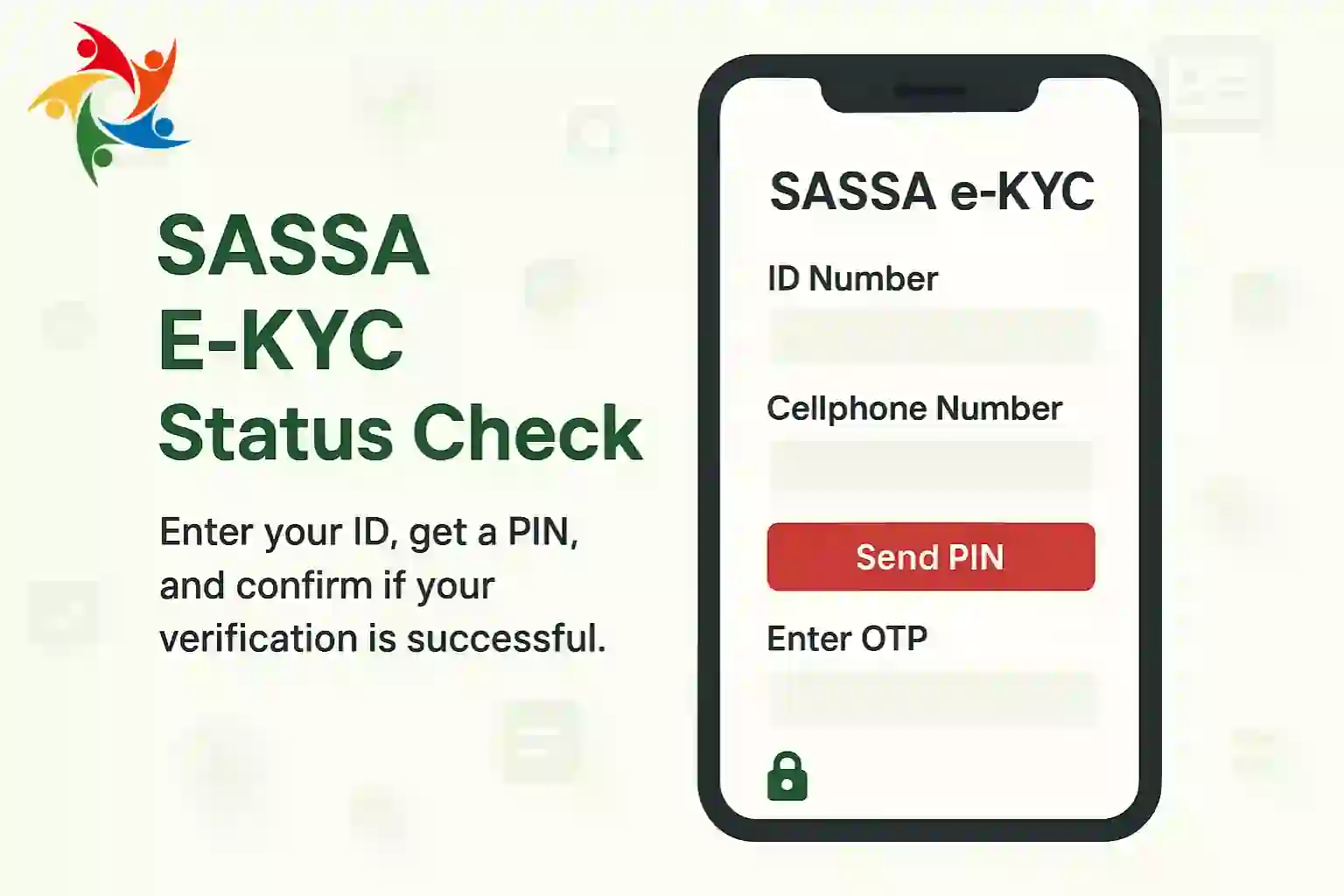
To check your e-KYC status, simply head over to the SASSA e-KYC page. Enter your ID number and the cellphone number linked to your grant application. Next, request a PIN. It will be sent to your phone instantly. Once you type in the PIN, it will show you whether your KYC was successful or not.
SASSA Contact Information
Emergency Support Channels
For quick help, SASSA provides several direct support options.
Regional SASSA Offices
If you prefer face-to-face support, you can visit one of the many SASSA offices across South Africa. Each province has regional branches where applicants can apply, update details, or resolve issues. Offices usually operate during standard government hours (Mon–Fri, 08:00–16:00). Use our SASSA office locator to find the nearest branch in your area.
Online Support Resources
SASSA also shares updates through official social media channels like Facebook and Twitter, where payment dates and announcements are posted. Additionally, there are trusted community support groups online where applicants share updates and advice, though it’s best to always confirm with SASSA before acting.
Conclusion
At the end of the day, keeping up with your SASSA status check is the simplest way to avoid confusion and stay updated on your grant. Whether you’re waiting for approval, tracking payment dates, or fixing issues, the tools are in your hands. Stay informed, act quickly when needed, and always know exactly where you stand with your grant.